Stage your first room
Upload a photo of an empty room, choose a style, and get a fully furnished image back in under 30 seconds.
- Who it's for
- Anyone new to StageVeo. No design or photo editing experience needed.
- Cost
- 1 credit per staged image
- Availability
- All plans, including the 3 free stagings on the free tier
- 1
Take or choose your photo
Shoot the room landscape, from a corner, in daylight if you can. Landscape captures the side walls and floor edges the AI uses to hold the room's real layout. Portrait crops those out and the result is less accurate. You can crop to portrait afterwards if you need it for social.
- 2
Open the staging screen
Sign in and go to Stage: Room/Garden. If you are not signed in yet, you can try it first on the free demo at /try without creating an account.
- 3
Upload the photo
Drag the image in or tap to browse. Your photo is automatically rotated the right way up and resized before it is sent, so phone photos work fine.
- 4
Pick the room type
Living Room, Bedroom, Kitchen, Dining Room and so on. The room type tells the AI what furniture actually belongs in the space, so getting this right matters more than any other single setting.

- 5
Pick a style
Choose from 35 interior styles and 15 garden styles shown as a thumbnail grid. Four styles are available on the free tier, the rest unlock on a paid plan. If you are unsure, Modern or Scandinavian suit most UK listings.
- 6
Generate
Tap the generate button. The page scrolls to the result area and shows a progress indicator. Empty-room staging takes under 30 seconds in normal conditions.
- 7
Review and download
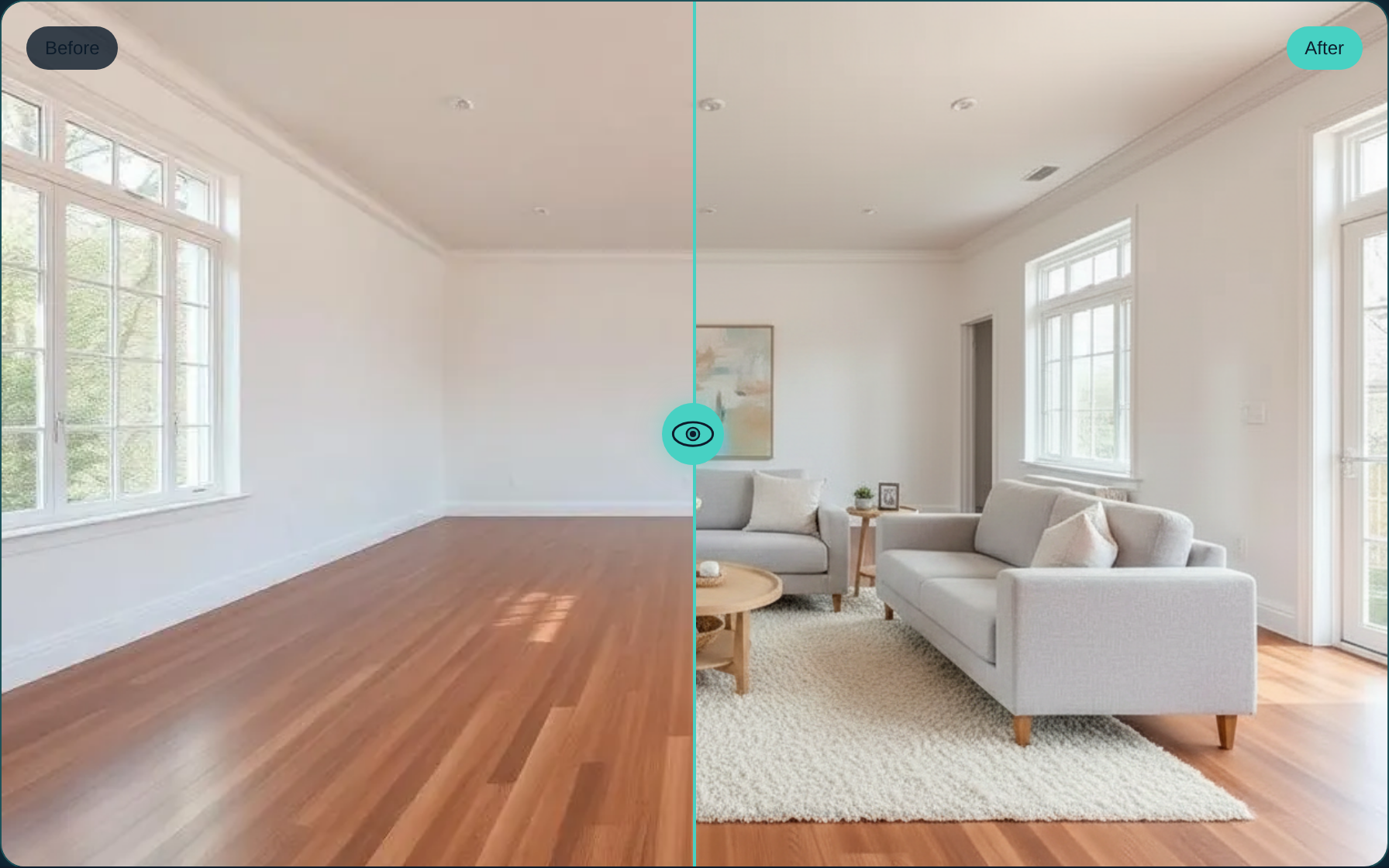
Drag the before and after slider to compare against the original. When you are happy, download it, or use the Rightmove and Zoopla export presets for correctly sized portal images.
Common problems
The furniture looks out of scale
Open Advanced Options and enter the approximate room width, length and ceiling height in metres. That gives the AI a scale guide and usually fixes oversized or undersized furniture.
The room still has the old furniture in it
Standard staging is designed for empty rooms. For an occupied or cluttered room, tick Clear & Stage, which removes the existing contents first.
Nothing happened when I pressed generate
Check you have credits left. On the free tier you get 3 stagings in total. If you have run out, the screen shows your upgrade and credit pack options.