Shop any image you upload
Found a room you love online? Upload the photo and shop the look, even if StageVeo did not create it.
- Who it's for
- Interior designers and homeowners working from inspiration images.
- Cost
- Free to shop. Refining the image costs 1 credit and needs an account.
- Availability
- Shopping needs no account
- 1
Go to Shop the Look
Open /shop-the-look. No sign in needed to shop an image.
- 2
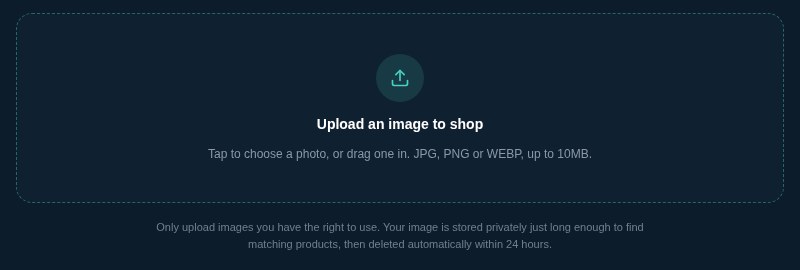
Upload your inspiration photo
Drag it in or tap to browse. The image is resized in your browser and uploaded to temporary storage that is automatically cleared, and it is only viewable through a short lived secure link.
- 3
Tap the hotspots
Same experience as a staged image: markers over the furniture, real UK products behind each one.
- 4
Refine it if you want changes
Love the room but not the sofa? Use the refine option to change it, for example "change the sofa colour to navy". Refining is a generation, so it needs an account and costs 1 credit.
Common problems
Is my uploaded image public?
No. It goes to a temporary, non public store with a random file name, is only readable through a short lived signed link, and is cleaned up automatically.
Can I shop a photo of a real room I already own?
Yes, any interior photo works.