Shop the Look: buying what is in your staging
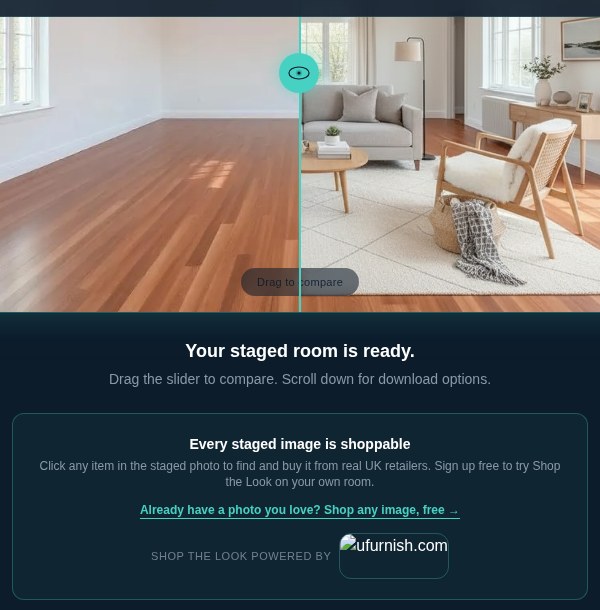
Every staged image is shoppable. Tap a hotspot on the furniture to find real, similar products from UK retailers.
- Who it's for
- Interior designers, landlords furnishing a let, and buyers who like what they see.
- Cost
- Free, browsing costs no credits
- Availability
- All plans
- 1
Stage a room or garden
Shop the Look runs on the staged result, so generate an image first.
- 2
Open Shop the Look on the result
Hotspot markers appear over the furniture and décor in the image: sofas, rugs, lighting, planters, outdoor seating.
- 3
Tap a hotspot
You will see real, similar products from UK retailers, with links to buy. The matching engine is provided by our partner ufurnish.
- 4
Use a bigger screen for fiddly hotspots
The shopping panel is compact on mobile. On a tablet or laptop you get a larger preview and easier hotspot control.
Common problems
No hotspots appeared
Give it a moment after the image loads. If they still do not appear, reload the page. Very sparse or dark images sometimes yield fewer hotspots.
The matches are not exact
They are similar products, not identical items. The staged furniture is generated, so the matches are the closest real world equivalents on sale in the UK.